Spreadsheets
I have been quoted as saying, “you can’t run a business without at least one spreadsheet”[i]I have noticed over the years that accountants with the most sophisticated software always have a computer on their desk, running a spreadsheet to understand what is really going on., and I stand by that for any business, small or large, no matter what the line of business. If you don’t have all the information needed to understand what is going on in your business, you should not be in business, and if you are not able to present that information in a way that others can understand, you will soon be out of business.
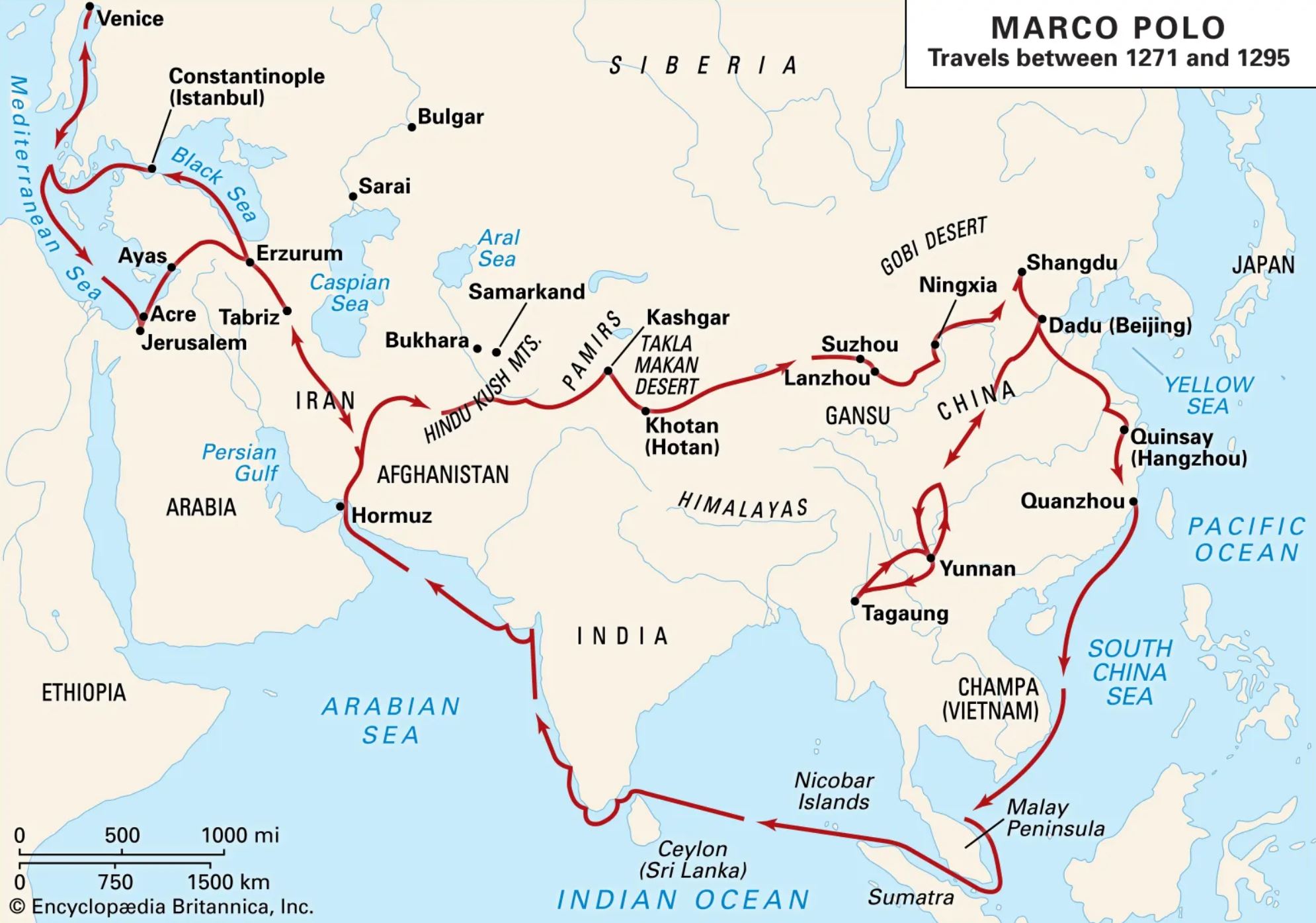 Spreadsheets have been around since the dawn of time. Every ancient Chinese shopkeeper kept his rice-paper one rolled up on the shelf next to his abacus. Even though I was just a little kid at the time, I remember Marco Polo keeping his charcoal-on-goatskin spreadsheet nailed to the wall of his captain’s cabin alongside his map of Eurasia.
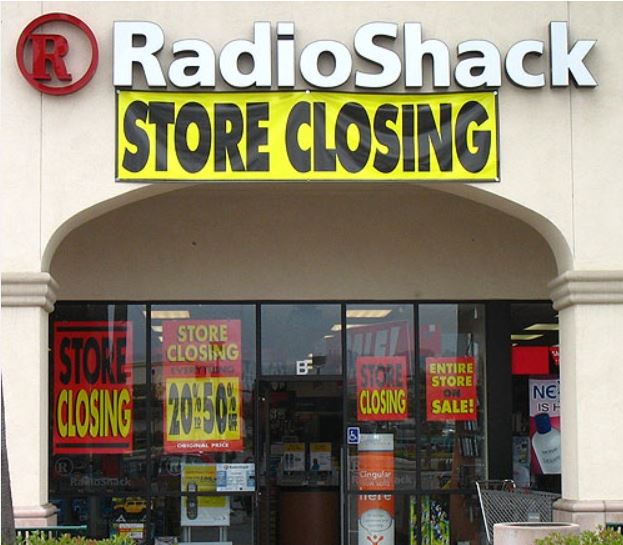
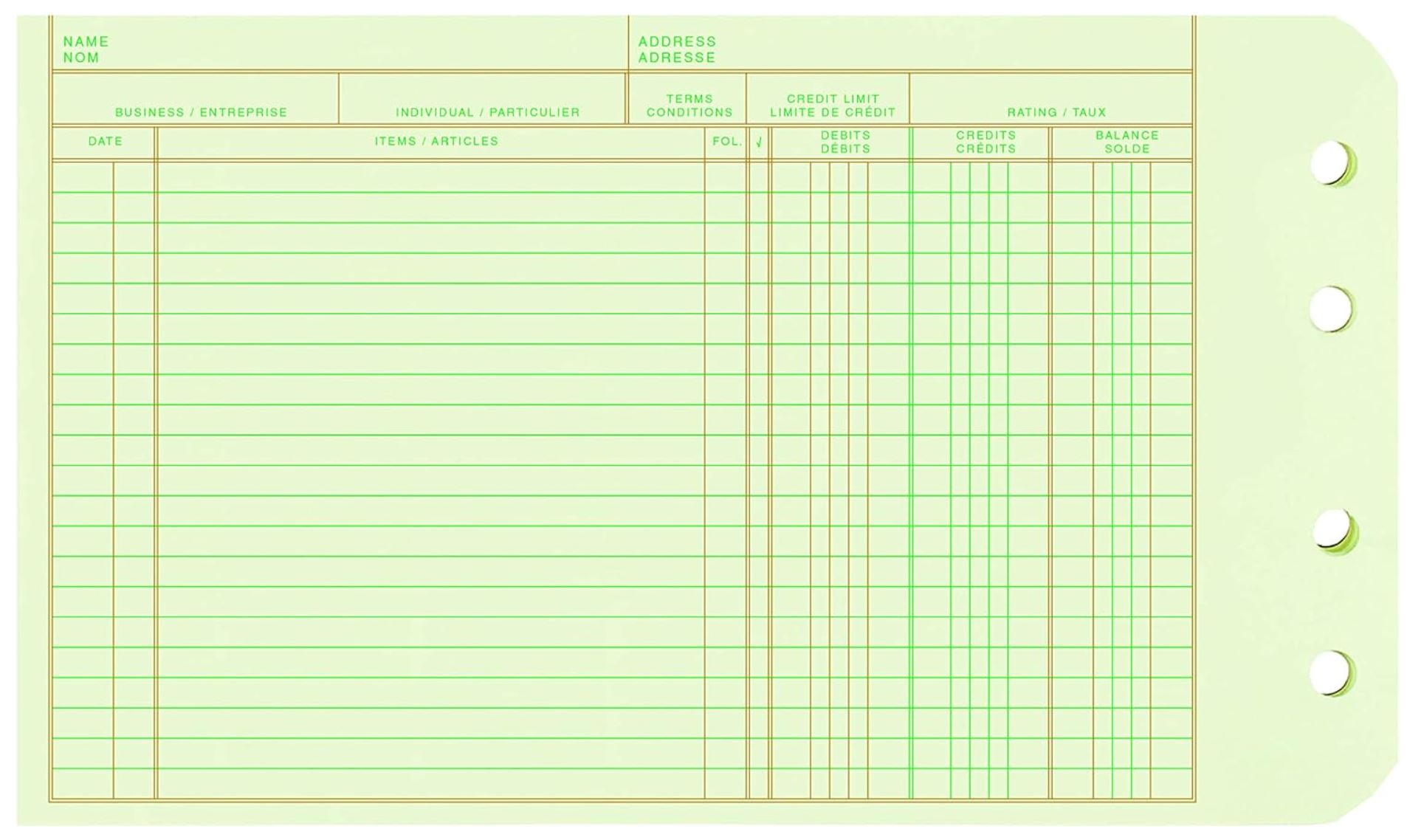 I also remember giving up those light green[ii]The light green paper was easier on the eyes than white pages for millions of bookkeepers around the world. ledger pages in favor of VisiCalc on a Radioshack computer in 1979. Later, I switched to Lotus 123 on DOS and eventually was convinced by Peter Lidiznick[iii]Peter was the stereotypical German Comptroller (Kauffman in German), sent here from headquarters to keep an eye on the Americans. at Siemens to switch to Excel, which I did on an original IBM PC[iv]It came with two 5 1/4 inch floppy drives, but I later added a 4 Mb (not Gb or Tb) hard drive.

Excel needs no introduction because it took over the market and obliterated the others in the 1980s, leaving Microsoft with a virtual monopoly, most of which it still holds. It is difficult to measure market share for spreadsheet programs because of the overlap with other Productivity Software products that include things like word processors and other office tools, but it is safe to say that all the others are “also-rans” with fractional percentages. Alternatives include the following.
OpenOffice and LibreOffice
Apache and The Document Foundation are volunteer-based open-source organizations. Both these programs are reasonable alternatives even though they lack many of the modern features that Excel offers. I have used both from time to time and found bugs in both, but they are free and work pretty much like Excel.
Apple Numbers
This is a reasonable alternative for some, having been copied almost digit-for-digit from Excel.
Like all things Apple, “different” in Apple’s mind means “better”, so the spreadsheet is only useful to people who are already wedded to the Apple computer. The Apple computer market share is less than 15% and declining in the USA, and almost non-existent in the international market. It is often thought of as something for housewives and teenagers, so the associated spreadsheet doesn’t warrant serious attention.
Google Sheets
This member of the Google Docs family has the advantages of being (a) web-based, (b) well-supported, and (c) free. Those things make it particularly useful for people on different platforms to collaborate. It is nowhere near as powerful as Excel, but it doesn’t need to be for most users. It is a bit clumsy and slow (depending on the web interface) but adequate for relatively simple projects. [v]Unlike the other alternative listed here, it maintains the familiar “.xlsx” file format so that the user can easily use Excel for difficult maneuvers and then move it back to Sheets for collaboration. One example is to create an easy-to-read table in Excel 2003, then back that up with the “= other cell” formula to make the Chart creation easier, then open the “.xls” file in Excel 2016, and finally save it as “.xlsx” in order to open it with Google Sheets.
Excel-On-The-Web was released in 2021 as a reaction to Google Sheets, but when I originally wrote this summary in January 2024, it had very limited usefulness. I explored it again recently and found it to be pretty much like Google Sheets in terms of feature-power but with the look and feel of Excel. That means that Excel is available now as (a) the original desktop version, but rented, requiring license update every 30 days [vi]You cannot own it outright as in the past., (b) the rentable 365 online version that stores files in the cloud and requires an internet connection, and (c) the very limited but free Excel-On-The-Web version, also requiring an internet connection. There are additional Excel plans available for businesses, which I have not explored.
Zoho, Rows, Gigasheet, Smartsheet, and ClickUp are alternatives with negligible market shares that I have not explored. For collaborating with Apple users, Google Sheets or Excel-On-The-Web cannot be beaten. For serious projects, I stick with Excel. [vii]I have the 2016 revision installed on 3 or 4 machines and 2003 on several others. I have not tried the 365 version because I prefer to own rather than rent.
This is the sign-in page for the Free online version, or type into your browser https://excel.cloud.microsoft/en-us/ . You will need to use any email address to sign in the first time.[viii]The shared address is the gmail one and the password is Kelley’s but first letter lower case.
By: Jim
Written: January 2, 2024
Published: January 2, 2024
Revised: January 4, 2025
Reader feedback always appreciated[ix]. . thoughtful commentary perhaps more so than shallow thoughts
footnotes
| ↑i | I have noticed over the years that accountants with the most sophisticated software always have a computer on their desk, running a spreadsheet to understand what is really going on. |
|---|---|
| ↑ii | The light green paper was easier on the eyes than white pages for millions of bookkeepers around the world. |
| ↑iii | Peter was the stereotypical German Comptroller (Kauffman in German), sent here from headquarters to keep an eye on the Americans. |
| ↑iv | It came with two 5 1/4 inch floppy drives, but I later added a 4 Mb (not Gb or Tb) hard drive |
| ↑v | Unlike the other alternative listed here, it maintains the familiar “.xlsx” file format so that the user can easily use Excel for difficult maneuvers and then move it back to Sheets for collaboration. One example is to create an easy-to-read table in Excel 2003, then back that up with the “= other cell” formula to make the Chart creation easier, then open the “.xls” file in Excel 2016, and finally save it as “.xlsx” in order to open it with Google Sheets. |
| ↑vi | You cannot own it outright as in the past. |
| ↑vii | I have the 2016 revision installed on 3 or 4 machines and 2003 on several others. I have not tried the 365 version because I prefer to own rather than rent. |
| ↑viii | The shared address is the gmail one and the password is Kelley’s but first letter lower case. |
| ↑ix | . . thoughtful commentary perhaps more so than shallow thoughts |